
PDFcrowd vs PDFShift vs APITemplate: A Complete HTML to PDF API Comparison
 By APITemplate.io
TL;DR: Choosing the right HTML-to-PDF API depends on your workflow. PDFcrowd offers extensive conversion and PDF manipulation features, PDFShift focuses on fast document generation with async processing, and APITemplate combines HTML-to-PDF conversion with reusable templates and no-code integrations. This comparison breaks down their features, pricing, and use cases to help you find the best fit.
If you’re looking for the best HTML-to-PDF API, you’re in the right place. PDFcrowd, PDFShift, and APITemplate all seem to do the same thing on the surface, but dig a little deeper and you’ll find they’re built very differently.
The features, the limits, the pricing, and the real-world performance, everything is different.
I’m Jacky, founder of APITemplate. I’ve personally tested both PDFcrowd and PDFShift, and honestly, why wouldn’t I? 😉
My goal is to build the best PDF generation product out there, knowing exactly what the competition is doing right and where they’re falling short is called knowing your battlefield.
Before getting into it, check out the quick comparison.
If you’re specifically evaluating PDFcrowd against APITemplate, our detailed APITemplate vs PDFCrowd comparison explores the differences in pricing, features, integrations, and scalability in greater depth.
Also compare APITemplate vs PDFShift.
| PDFcrowd | PDFShift | APITemplate.io Editor’s pick | |
|---|---|---|---|
| Features | |||
| HTML Template Editor | |||
| Regional Endpoints | US, EU, SG, AU | ||
| Async/Webhooks | |||
| Image Generation | |||
| PDF Manipulation | |||
| Pricing | |||
| Free Plan | Trial only | 50 credits/month | 50 PDFs/month |
| Pricing Model | Credit-based (0.5MB) | Credit-based (5MB) | Per-PDF |
| Starting Price | $1/mo (10 credits) | $9/mo (250 credits) | $19/mo (3K PDFs) |
| SOC 2 Type II | |||
| BYOB (Bring your own storage) | Supports uploading directly to your AWS S3 bucket via the s3_destination parameter | Supports BYOS with multiple cloud providers (AWS S3, Azure Blob Storage, Cloudflare R2) for maximum flexibility | |
PDFcrowd
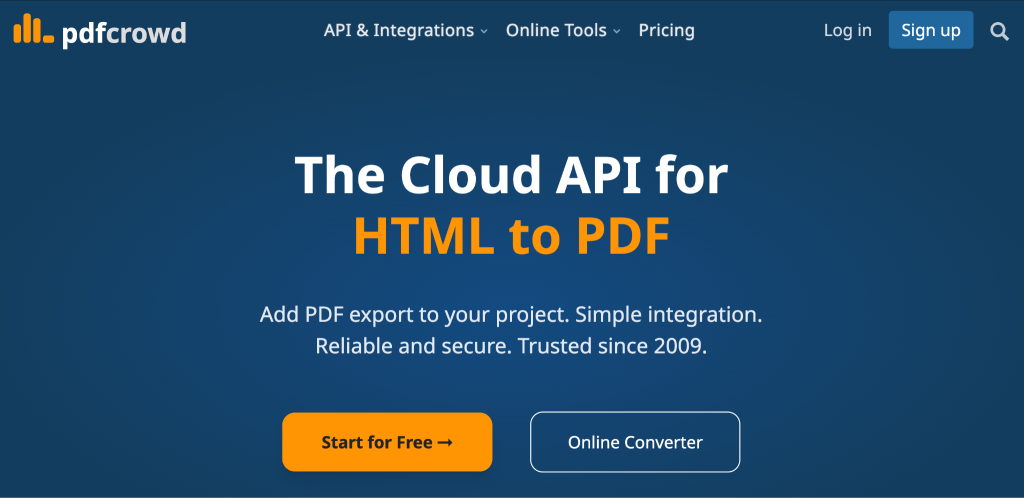
PDFcrowd has been around since 2009 and offers a cloud API for HTML to PDF. That’s 16+ years in production.
But that’s not all it does. PDFcrowd also handles PDF to HTML, PDF to Image, PDF to Text, Image to PDF, and Image to Image.
The product is clearly built for developers who want a traditional API integration, drop in the client library, authenticate with your API key, and start converting. If you’ve worked with any REST-based conversion tool before, you’ll feel at home.
There’s no HTML editor in the platform; you have to write all your HTML externally and just send it to the API for conversion.
For some teams, that’s exactly what they want. For others, it means a lot more work upfront.
Key Features
Extensive Configuration Options: PDFcrowd offers over 100 configuration parameters for the HTML to PDF API. Users can control page size, margins, headers, footers, and viewport width, enabling simulated mobile or desktop rendering. There’s also the ability to inject custom CSS and JavaScript, add watermarks, set page break rules, and password-protect the output.
PDF Manipulation Capabilities: In addition to HTML to PDF conversion, PDFcrowd allows users to manipulate existing PDFs. This includes features for merging, splitting, extracting, and deleting pages.
Multi-Language SDKs: To facilitate integration, PDFcrowd provides SDKs for seven programming languages: PHP, Java, .NET, Python, Node.js, Ruby, and Go.
WebSave Feature: This feature includes a drop-in JavaScript button for easy client-side webpage capture, enhancing the user experience for PDF generation.
WordPress Plugins: PDFcrowd offers WordPress plugins that enable PDF and image saving directly from the platform.
MCP Tool Integration: The recently introduced MCP tool enables AI coding agents, such as Claude Code and Codex CLI, to generate PDFs directly, expanding usability.
Automation Platform Integrations: PDFcrowd can be integrated with no-code automation platforms and has native integration with Zapier and Make.
Pros
- Supports multiple conversion types beyond HTML to PDF, including PDF to HTML, PDF to Image, Image to PDF, and PDF to Text
- 100+ configuration parameters for full control over output
- Built-in PDF manipulation: merge, split, extract, and delete pages
Cons
- Credit-based pricing makes costs unpredictable fast when document sizes vary.
- No async generation or webhooks for batch processing.
- HTML editor not available.
Pricing
PDFcrowd uses a credit system where 1 credit equals 0.5 MB of output data.
Plans start at $1/month for 10 credits and go up to $61/month for 10,000 credits, with rate limits and concurrency increasing at higher tiers. Enterprise plans range from $1,258/month to $2,630/month for 1M to 3M credits.
Also, check out ➝ How APITemplate is the best PDFCrowd Alternative
PDFShift
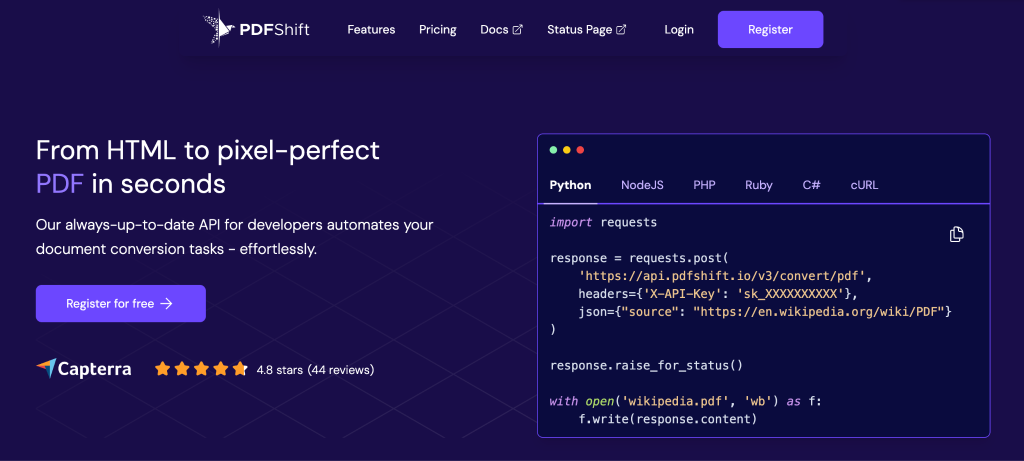
PDFShift is an HTML-to-PDF conversion API launched in 2018.
It only works one way: HTML in, document out. You give it HTML, it gives you back a PDF, PNG, JPEG, or WEBP. No reverse conversions, no PDF manipulation, no file-to-file processing. Just HTML to documents, fast.
The API runs on Chromium and averages about 1.5 seconds per conversion. It’s fully HIPAA-compliant, making it a legitimate option for healthcare and finance teams.
It doesn’t store your documents on its servers unless you specifically ask it to, and you can route output directly to your own Amazon S3 or Google Cloud Storage bucket.
Key Features
Parallel and Async Conversions: PDFShift supports up to 50 parallel conversions at the same time across all plans. It also supports asynchronous requests via webhooks, so you can fire off a batch and get notified when each conversion completes. This is something PDFcrowd doesn’t offer at all.
Template Storage: You can store your HTML templates directly on PDFShift’s servers for faster processing. This isn’t a visual template builder like APITemplate’s WYSIWYG editor, but it does speed up repeated conversions since the API doesn’t need to re-fetch your HTML each time.
Multi-Format Output: Beyond PDF, PDFShift also converts HTML to PNG, JPEG, and WEBP. You can grab website screenshots, generate Open Graph images for social media, and create blog banners, all from the same API.
Security and Encryption: You can password-protect PDFs, add watermarks, and encrypt documents. Raw HTML can be sent directly to the API, so you don’t need to host your content on a public URL for conversion.
Full CSS and JavaScript Support: Custom CSS and JavaScript injection, custom headers and footers with pagination, viewport control, and support for third-party libraries like Chart.js, D3.js, and map services.
SDKs and Playground: Official guides for Python, Node.js, PHP, Ruby, C#, and Go. Plus a public Playground where you can test conversions before touching any code.
Pros
- HIPAA compliant
- Up to 50 parallel conversions and async requests with webhooks
Cons
- Free plan caps file size at 2MB and timeout at 30 seconds.
- No regional API endpoints for data residency requirements.
- No native integration on no-code platforms
Pricing
PDFShift uses a credit system where 1 credit equals one conversion up to 5MB. The pricing page has an interactive calculator where you pick your monthly usage, and it recommends a plan.
Free plan available with 50 credits/month, 2MB file limit, 30s timeout.
Paid plans: Startup at $9/month, Boost at $24/month (2,500 credits), Growth at $39/month (5,000 credits), and Business at $99/month (25,000 credits). Unlock advanced headers/footers, encryption, watermarks, no file size limits, S3 delivery, and async processing.
Also Check out ➝ How APITemplate is the better alternative to PDFShift
APITemplate
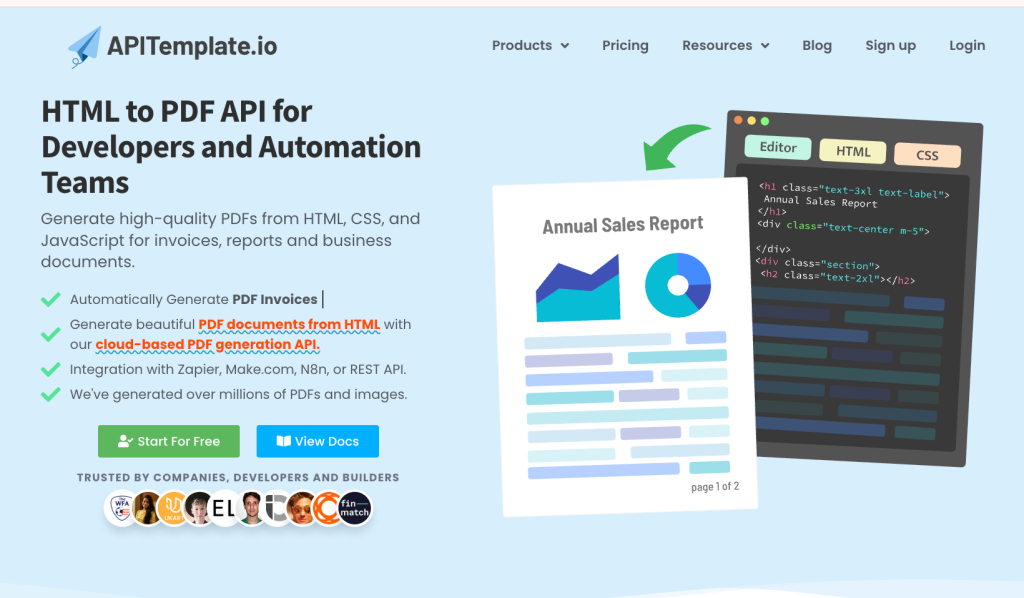
APITemplate is a PDF generation platform and HTML to PDF conversion API that my team and I launched in December 2020.
We built the platform around two different approaches.
First, there’s the HTML to PDF API for developers who already have HTML code and just need to convert it to PDF.
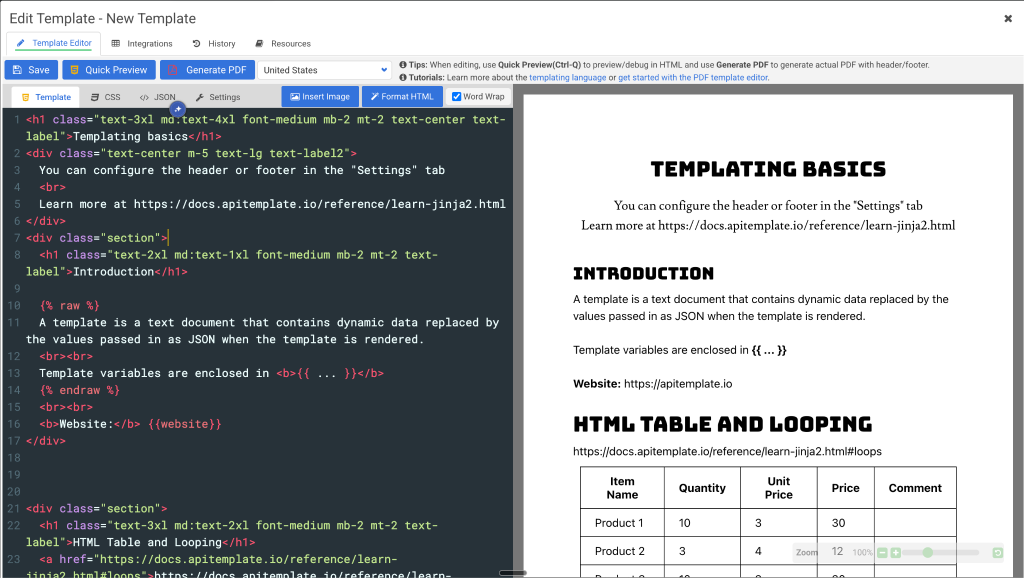
Second, there’s the template-based approach. We have a WYSIWYG HTML editor where you can write your PDF layout using HTML and CSS, add dynamic variables for data that changes, and save it as a reusable template. Then you generate thousands of customized PDFs by passing in JSON data through our API or no-code platforms like Zapier, Make, n8n, and Airtable. The template engine merges your data with the layout and automatically converts it to a PDF.
We also offer an image generation API for social graphics and banners, since some users need both PDFs and images for their workflows. For images, we have a drag-and-drop visual editor where you can design templates without any code, add dynamic components like QR codes and charts, and generate customized images by passing in data through the same API.
All of this runs on the same infrastructure, with regional endpoints in the US, EU, Singapore, and Australia, and averages around 2 seconds per render. We’re SOC 2 Type II audited and have generated over 30 million files for businesses worldwide.
Key Features
- HTML template editor with custom CSS and JavaScript support
- Convert HTML to PDF directly from URLs
- Dynamic components: QR codes, barcodes, charts, ratings, infographics
- No-code integrations: Zapier, Make, n8n, Airtable, Bubble, UiPath, Direct URL
- Regional API endpoints (US, EU, Singapore, Australia) for data residency and performance
- Async processing with webhooks for high-volume workflows
- Real-time preview with side-by-side editor for instant feedback
- SDKs for Python, C#, Java, PHP, JavaScript, UiPath
Pros
- Two products in one platform (PDFs and images from the same account)
- Strong no-code ecosystem
- Regional infrastructure for compliance and speed
- Free plan with 50 PDFs or images per month without any size limit
- SOC 2 Type II audited for enterprise compliance
Cons
- Doesn’t handle PDF manipulation
- No reverse conversions
Pricing
The free plan includes 50 PDFs per month with full access to both editors and all integrations.
PDF-only paid plans start at $19/month for 3,000 PDFs, then $69/month for 12,000 PDFs, and $139/month for 25,000 PDFs.
Enterprise plans include unlimited templates, priority support, and the option to upload files directly to your own S3 bucket. Plus, pay-as-you-go overage is available on enterprise tiers if you exceed your monthly allocation.
Wrap Up
Now you know how these three HTML-to-PDF APIs work. Each one solves the problem differently.
PDFcrowd provides a comprehensive conversion toolkit with PDF manipulation, reverse conversions, and more configuration parameters. If you need that level of control and flexibility across multiple file formats, it’s worth exploring.
PDFShift keeps things focused on HTML-to-document conversion with HIPAA compliance, async webhooks, and multi-format output. If you need a straightforward conversion API with strong security and privacy features, check it out.
APITemplate takes a template-based approach. You can build your PDF layouts in an HTML editor inside the platform, save them as reusable templates, and see real-time previews as you work. Then generate PDFs by passing JSON data through the API or no-code platforms. If you’re generating the same types of documents repeatedly, invoices, reports, certificates, this workflow might save you time.
However, the best way to know what fits your needs? Try them out.
If you want to test APITemplate, sign up here. You can generate 50 PDFs per month without adding a credit card. Build a template, preview it live, and see if the workflow works for your use case.
Additional Resources
Looking for more insights on PDF generation APIs and automation? Check out these related articles:
Other Blog Articles
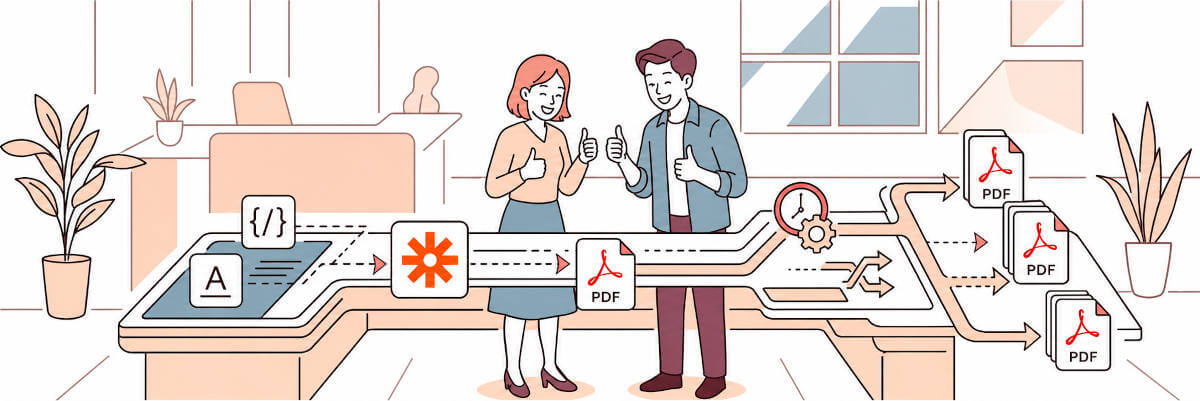
How to Create a PDF from HTML in Zapier Using APITemplate
This guide shows you how to convert HTML to PDF using Zapier and APITemplate. You write your HTML, insert dynamic fields from your trigger app, and get a download ready PDF back, no coding required.
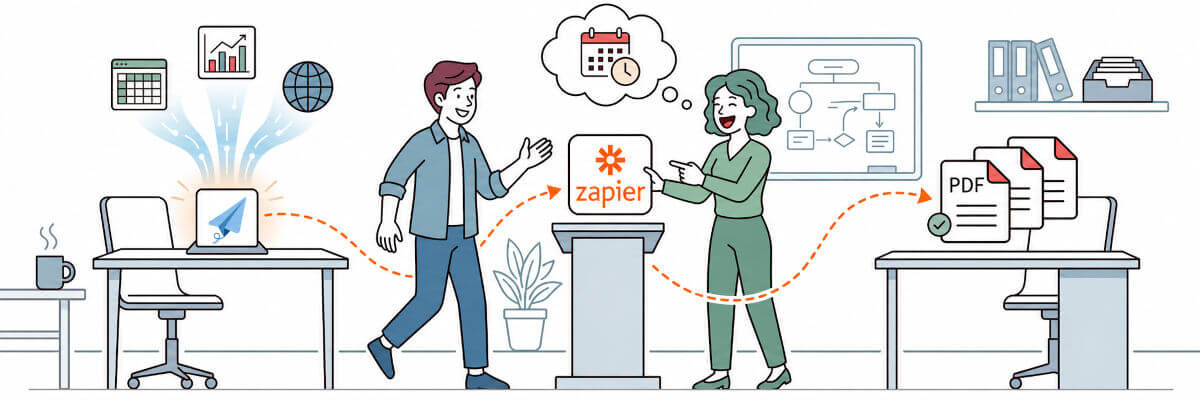
How to Create a PDF with Zapier and APITemplate.io
Create PDFs automatically with Zapier and APITemplate.io. Learn how to build a no-code workflow using templates and dynamic data.
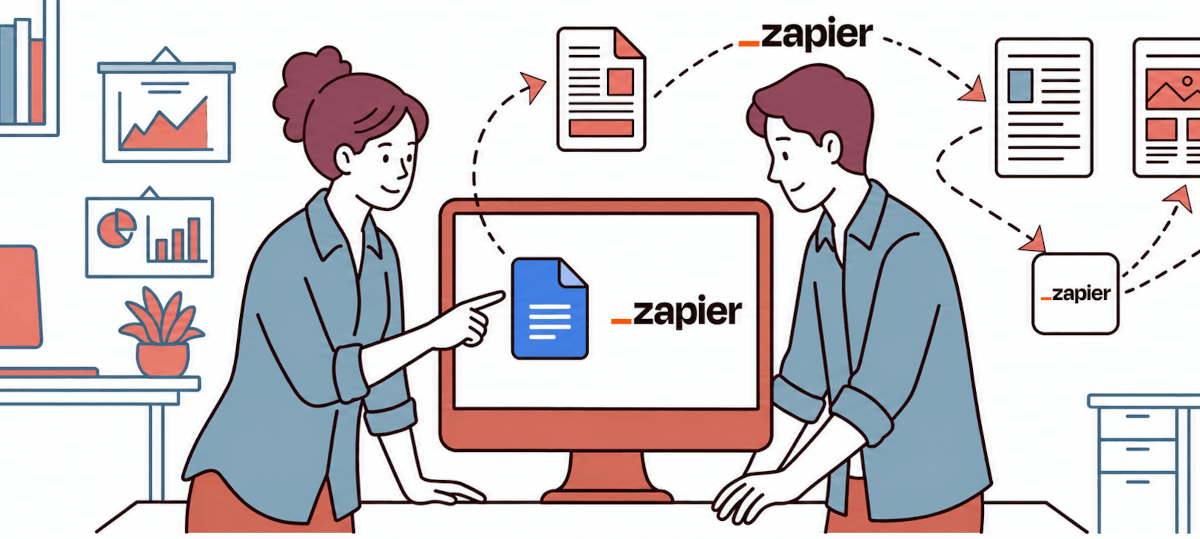
How to Generate PDFs Automatically with Google Docs and Zapier
Learn how to generate PDFs automatically with Google Docs and Zapier, where this setup works best, where it gets messy, and when APITemplate is a better fit.