
Batch create Images or PDF Documents with Airtable
Are you tired of creating images or PDF documents one by one?
With APITemplate.io, you can transform your Airtable records into images or documents in bulk—whether it’s social media graphics, marketing banners, infographics, or customized PDFs.
With reusable templates, this tool empowers you to automate content production, save valuable time, and maintain consistency across your designs.
Get started for FREE, upgrade as you grow
Trusted by Companies, Developers and Builders


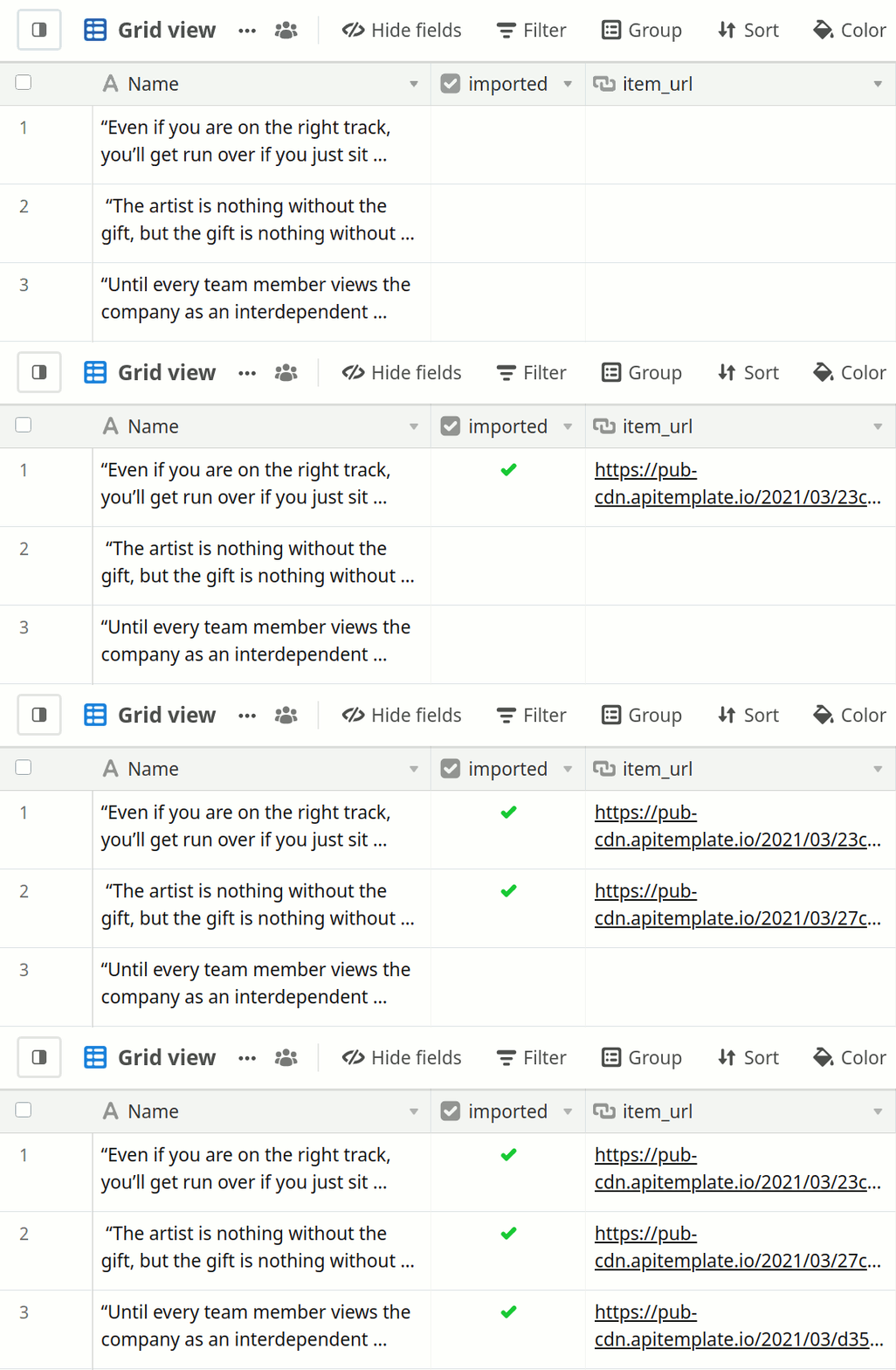
Use Airtable to batch create images with a reusable template with Zapier or Make.com
APITemplate.io allows you to create reusable templates and automate your content generation with Airtable to create banners, social media images, QR Code, Infographics and PDF documents in bulk.
The followings are the Instagram images generated by an image template.



API for Image Generation
Auto-generate banners, social images, QR codes in seconds
- Generate images from reusable templates
- Integrate with Zapier, Airtable, Make.com, n8n, UiPath, or REST API
- Easy-to-use drag and drop editor
- No HTML or CSS knowledge required
- Auto-Position to create responsive image
- Smart Crop to find a good crop for your image
- Templates for Facebook posts, Instagram posts, Pinterest, and other social media
- Add text to image or add a caption to images/photos via API
- Support dynamic components such as QR code and rating
- Preview instantly
- Infographics and banner generation

Frequently Asked Questions
Does APITemplate.io still have a native Airtable integration?
No. The Data Integration tab that linked a base directly to a template has been retired. Airtable still works with APITemplate.io, through Zapier, Make.com or a script that calls the API, and those routes give you more control over when documents are generated and where they go.
How do I connect Airtable to APITemplate.io?
Pick the route that fits your team. With Zapier or Make.com, a new or updated record triggers the APITemplate.io action, and you map Airtable fields to the template with no code. Or use Airtable’s Scripting extension to send a record to the REST API from inside your base, with no third-party tool in between.
How do I batch-create images or PDFs from a whole table?
A script can loop through every record in a view and generate a document for each, and with Zapier or Make.com each matching record triggers its own generation. Filter with a view such as “Ready to generate”, so your team can see what will run, and test on a few rows first. Each image or PDF uses one credit, so a table of 2,000 rows needs 2,000 generations: check your plan’s monthly quota before a full run.
Can I generate a PDF from a record with one click?
Yes. Add a Button field set to Run script, and paste in the script from our Airtable guide. Clicking the button on a row sends that record’s fields to your template, and the PDF comes back into an attachment field on the same row.
Can I save the generated file back to Airtable?
Yes. Write the download URL into an attachment field, and Airtable keeps its own copy of the image or PDF in the record. In Zapier or Make.com, that’s an update-record step after the APITemplate.io action. A filled attachment field also shows which rows are done, so a re-run can skip them.
What can I create from Airtable records?
Social media posts, banners, QR codes and infographics from image templates, and invoices, certificates and event passes as PDFs. Each field fills a placeholder in the template, and a URL field can swap in a product photo or a logo.
Sign up now to connect your data and create banners, social images, or PDFs in minutes!