What is a JSON to PDF converter?
A JSON to PDF converter is a free online tool that transforms raw JSON data into clean, formatted PDF documents directly in your browser. It automatically renders arrays as tables, objects as labeled sections, and values as key-value pairs, making raw data easy to read, share, and print.
Can I upload a .json file to convert it?
Yes. You can drag and drop a .json file directly into the tool, or paste your JSON content into the editor manually. Both methods work the same way.
How does the tool handle nested or complex JSON?
The tool supports any valid JSON structure, including flat key-value pairs, nested objects, arrays of objects, arrays of primitives, and deeply nested combinations. Arrays of objects are rendered as tables with column headers, and nested objects become labeled sections.
Can I customize the theme, page size, and formatting?
Yes. You can set a document title, choose a color theme, adjust font size, select page size such as A4 or Letter, set orientation to portrait or landscape, change text alignment, and toggle page numbers on or off.
My JSON has errors, and the tool won’t convert it. How do I fix it?
Your JSON must be valid for the tool to process it. Common issues include missing commas, unquoted keys, or trailing commas. Use our free JSON Validator & Formatter to find and fix syntax errors before converting.
Is my JSON data safe when using this tool?
Yes. The entire conversion happens locally in your browser. Your JSON data is never uploaded to any server, so your information stays completely private.
What if my data is in CSV format instead of JSON?
Use our free CSV to PDF Converter to convert CSV or spreadsheet data directly into formatted PDF tables with customizable themes and styling.
Can I add page numbers or watermarks to the PDF after converting?
Page numbers can be toggled on directly in this tool. If you also need watermarks, download your PDF first and then use our free Add Watermark to PDF tool.
I want to generate PDFs from JSON data programmatically. How do I do that?
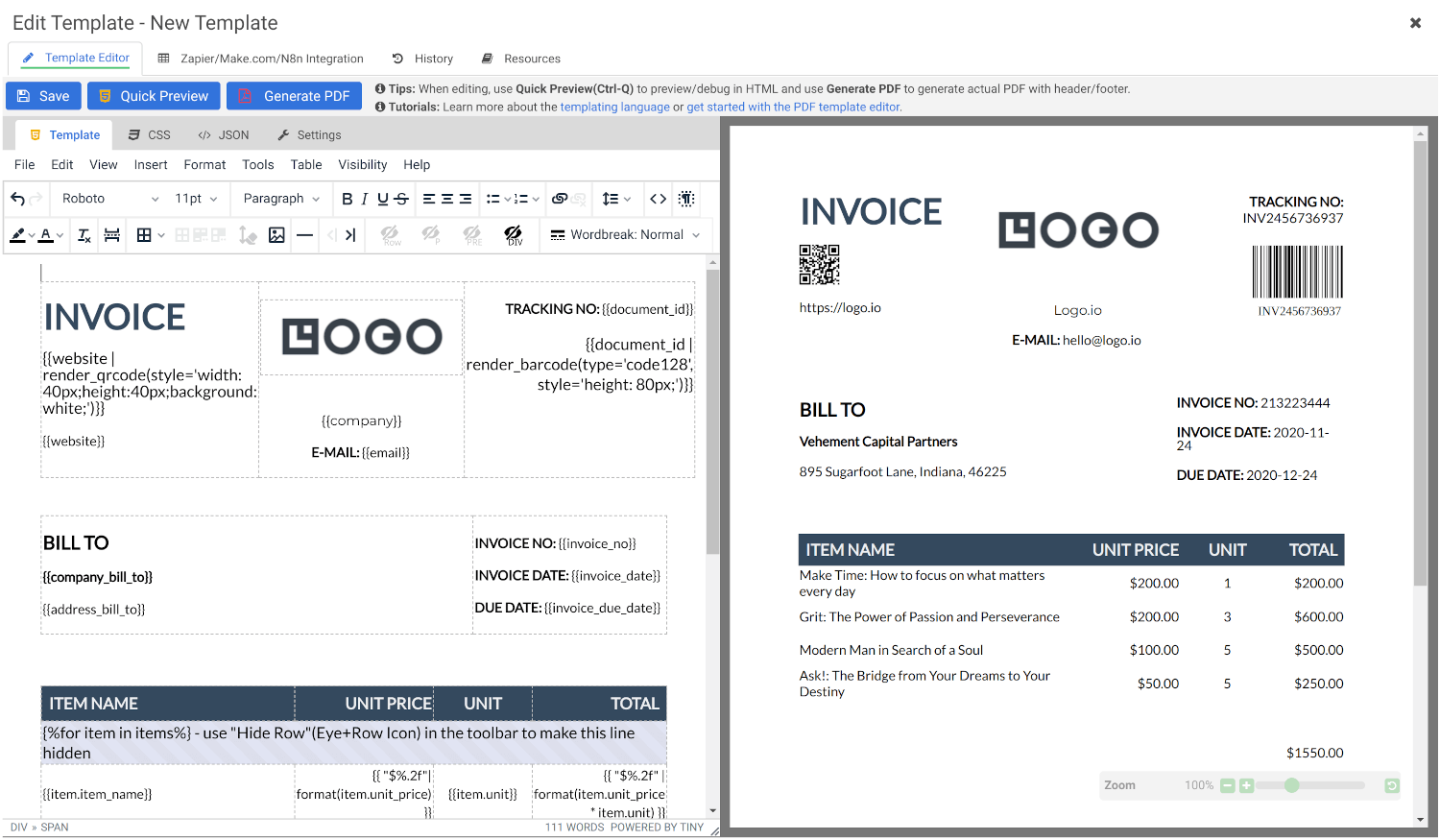
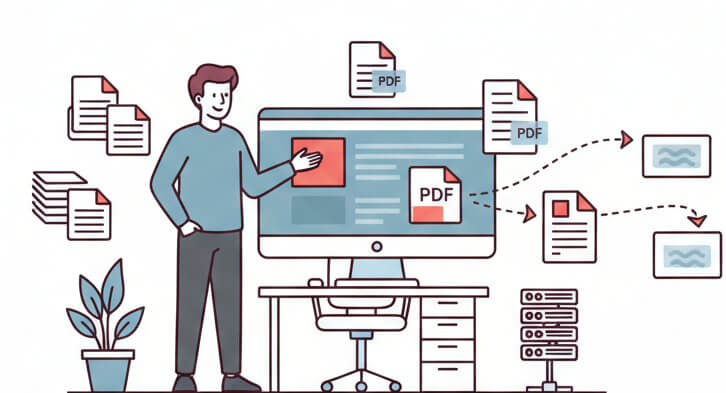
If you need to generate styled, branded PDFs from JSON data at scale, such as invoices, reports, or certificates, APITemplate.io lets you design a reusable HTML template with dynamic variables, pass JSON data via REST API, and generate PDFs on demand. Here’s a tutorial on how to generate PDFs with Make.com using JSON data.
What is APITemplate.io?
APITemplate.io is designed for generating PDF documents from reusable templates. It can be easily integrated with popular tools like Zapier, Airtable, Make.com, Bubble.io, n8n, UiPath, or directly via REST API, making it highly adaptable to various workflows.
There are three main ways to generate PDF documents using APITemplate.io:
- Template-based PDF generation: Create PDFs from predefined templates.
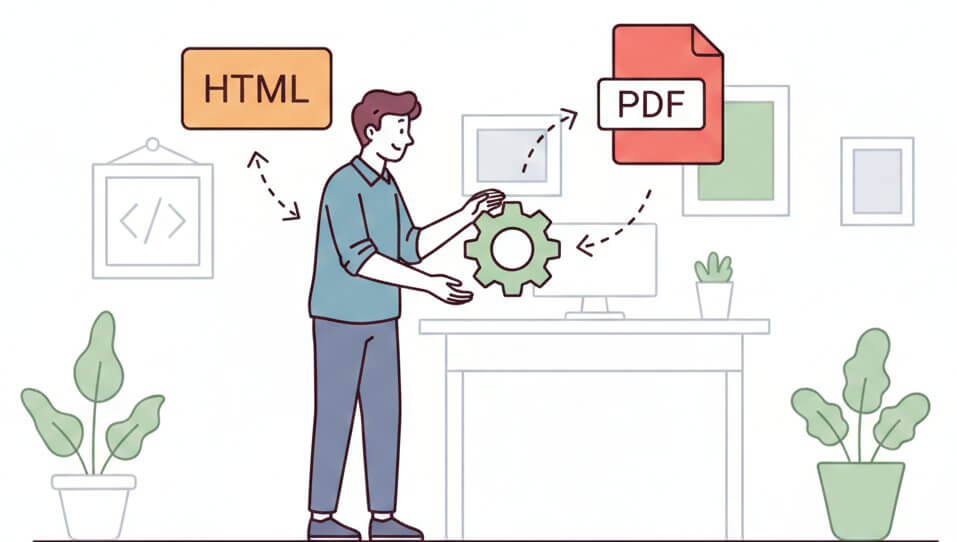
- HTML to PDF generation: Convert HTML content directly into PDF format.
- URL to PDF generation: Convert entire web pages to PDFs by simply providing their URLs.
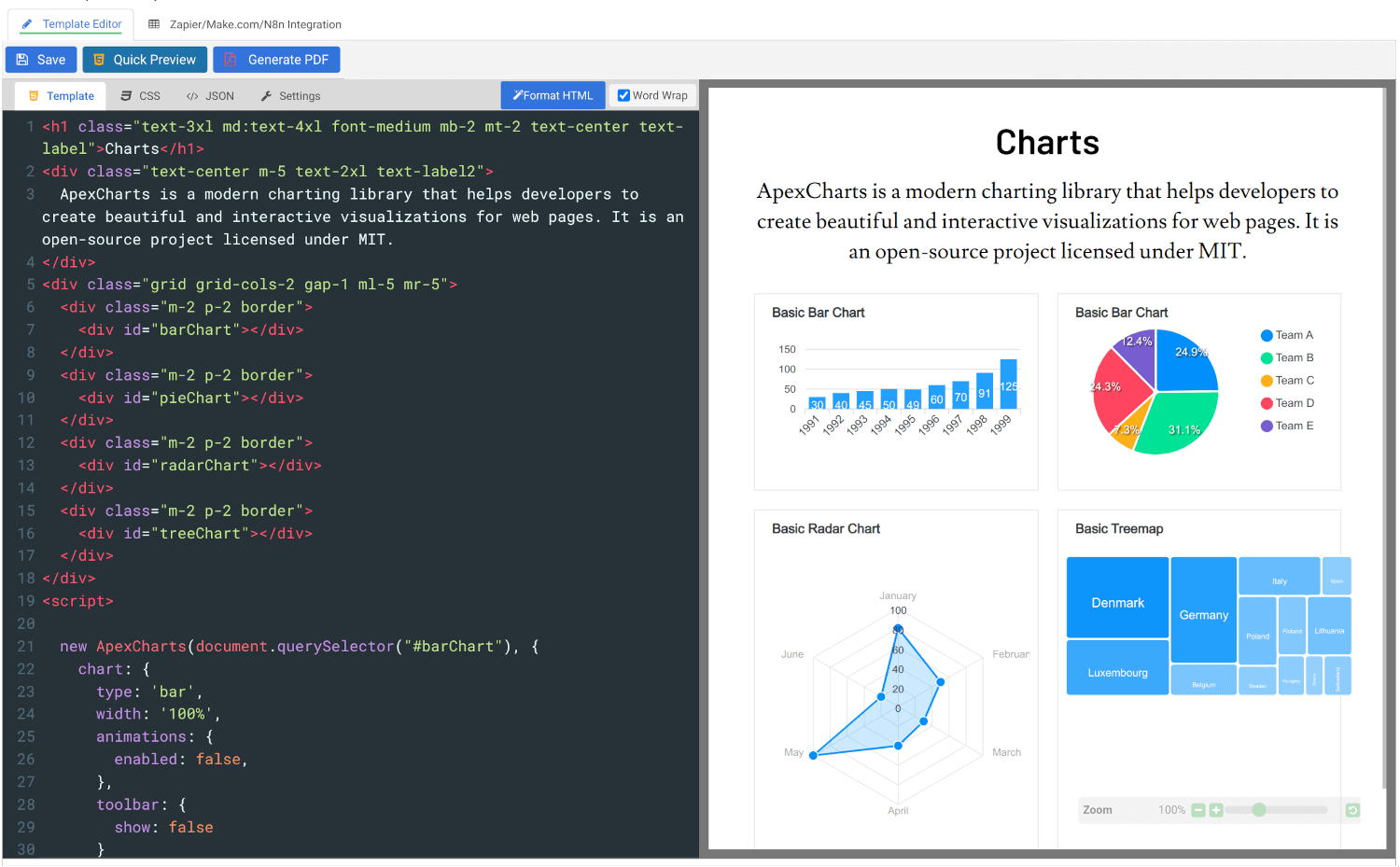
The platform also supports custom CSS and JavaScript, allowing for advanced styling and customization. Its powerful template engine helps you create complex documents efficiently, while the API Console lets you preview and customize JSON data instantly.
In addition, APITemplate.io supports custom headers and footers, including page numbers and total page counts, making it an excellent choice for creating polished, professional PDF documents.