How to Generate PDF Documents and Images in Bubble.io with APITemplate
Learn how to generate PDFs and images in Bubble.io using the APITemplate plugin. Build invoices, certificates, and social cards with no code required.

Learn how to generate PDFs and images in Bubble.io using the APITemplate plugin. Build invoices, certificates, and social cards with no code required.
Puppeteer Sharp is a C# port of the popular Puppeteer library, which is used for headless Chrome automation. In this article, we will see how to use Puppeteer Sharp to generate PDFs from HTML templates.
While we continue introducing different libraries for generating PDF from HTML in different languages. This article will expand on how to generate pdf from HTML files in Java using openhtmltopdf, itextpdf, and Flying saucer and their differences.
This article will explore different JavaScript libraries for converting HTML to PDF online and discuss the advantages and disadvantages of each library to help you choose the suitable tool for your application.
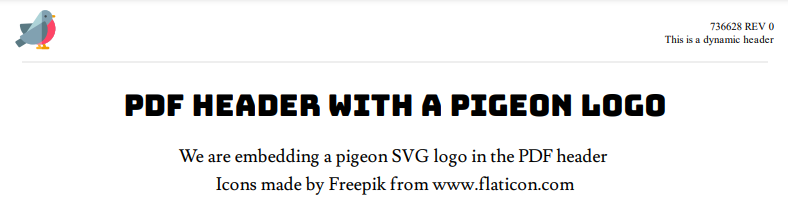
With APITemplate.io, it’s possible to add dynamic text, images, page numbers to your header, and footer to your PDF documents with the custom HTML in the Settings.In this tutorial, we will walk you through the steps of how to add an HTML header, footer, and SVG logo to your generated PDF.
With APITemplate.io, generating PDF from HTML is easy. You can create dynamic PDFs with HTML, CSS and JSON.APITemplate.io integrates with No-code platforms, you can generate and automate your PDF generation with Zapier or Integromat and APITemplate.io. If you are an advanced user, we support REST API calls to generate dynamic PDFs as well.
APITemplate.io allows HTML to PDF conversion, and our PDF rendering engine also supports external Javascript libraries, CSS, and fonts for PDF creation. In this article, we are going to use an open-source Javascript library ApexCharts.js to create beautiful visualizations.
Privacy Overview
Necessary cookies are always on. The others are only set if you allow them, and you can change your mind at any time from “Manage consent” at the bottom of every page. Our Privacy policy has the details.
Needed for the site to work and to remember the choice you make here. They are always on and cannot be switched off.
Google Analytics and Microsoft Clarity show us how visitors use the site: which pages are read, where visitors come from, and, in Clarity, recordings of clicks and scrolling. Clarity does not load until you allow this.
Lets Google Analytics share visits with Google Ads, so we can see which ads lead to a sign-up and show you relevant ads on other sites.