
Best HTML to PDF APIs in 2026: Pricing, Rendering and Free Tiers Compared
 By APITemplate.io
The best HTML to PDF APIs in 2026, from PDFShift and DocRaptor to self-hosted Gotenberg, compared on rendering engine, free tier and what 1,000 PDFs a month cost.
TL;DR:
What This Blog Covers:
The best HTML to PDF APIs in 2026, compared on rendering engine, free tier and what 1,000 PDFs a month cost, with the same invoice run through the three you can try without an account.
Key Points:
- Most HTML to PDF APIs render with Chromium, the engine inside Chrome; DocRaptor uses the Prince print engine
- For 1,000 PDFs a month on monthly billing, the document-based plans cost $23 to $75; APITemplate.io and PDFShift both cost $24
- At 10,000 PDFs a month the same plans cost $61 to $399, and the usage-based APIs less, if your PDFs are small and quick
- api2pdf and Browserless bill for usage and browser time rather than documents, which is cheaper for small, fast PDFs
- Gotenberg is free and open source, but you run, scale and update the server yourself
- APITemplate.io can also store your HTML as a template, so each call sends only JSON data
Best For:
Developers choosing a hosted HTML to PDF API, or deciding whether to self-host one, for invoices, reports and other business documents.
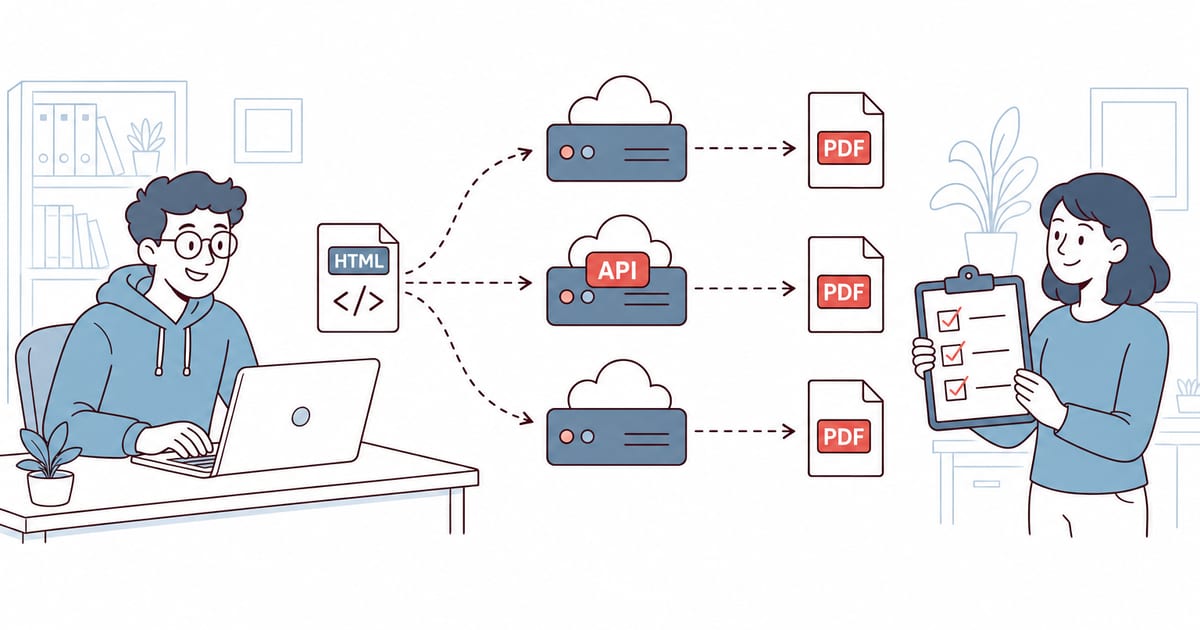
An HTML to PDF API takes your HTML or a URL, renders it in a browser engine on its own servers, and sends back a PDF. The best HTML to PDF APIs save you from installing and running a headless browser yourself, which is where most of the work in PDF generation goes.
They differ in three ways that matter: how they render your CSS, what they cost at your volume, and whether you can run them on your own servers. This guide compares seven of them on exactly those points.
We ran the same invoice through the three APIs that work without an account: Gotenberg 9.9.1, DocRaptor and PDFCrowd. Every price comes from the vendor’s own pricing page, read in November 2026, when we took the screenshots.
Quick Comparison of the Best HTML to PDF APIs
| API | Rendering engine | Free tier | 1,000 PDFs a month | Self-hosted |
|---|---|---|---|---|
| APITemplate.io | Chromium | 50 PDFs a month | $24/mo (3,000 PDFs) | No |
| PDFShift | Chromium | 50 credits a month | $24/mo (2,500 credits) | No |
| PDFCrowd | Browser engine (Skia) | 100 test credits for one month | $23/mo (1,000 credits) | No |
| DocRaptor | Prince 15.1 | 5 documents a month | $75/mo (1,250 documents) | No |
| api2pdf | Headless Chrome or wkhtmltopdf | One month of credit | About $1.49 (usage-based) | Paid container |
| Browserless | Chrome, via Puppeteer | 1,000 units a month | $0 to $35/mo (usage-based) | Open-source image (SSPL) |
| Gotenberg | Chromium and LibreOffice | Free, MIT license | Your server costs | Yes, Docker |
The 1,000-PDF column uses monthly billing and assumes small documents, so that one document uses one credit. Two of them meter differently:
- api2pdf: $1 a month plus $0.001 per MB and $0.00019551 per second of compute. At 0.1 MB and 2 seconds per PDF, 1,000 PDFs come to about $1.49.
- Browserless: one unit is up to 30 seconds of browser time per connection, so a quick conversion should use one unit. Its docs don’t give a per-PDF figure. The free plan includes 1,000 units and 2 concurrent browsers; the next plan is $35 a month for 20,000 units.
What 10,000 PDFs a Month Cost
At higher volumes the order changes. This is the cheapest published plan that covers 10,000 PDFs a month, on monthly billing:
| API | Plan | Price a month | Included |
|---|---|---|---|
| APITemplate.io | PDF Standard | $89 | 12,000 PDFs |
| PDFShift | Business | $99 | 25,000 credits |
| PDFCrowd | Large | $61 | 10,000 credits |
| DocRaptor | Bronze | $399 | 15,000 documents |
| api2pdf | $1 a month plus usage | About $5.91 | Billed by size and seconds |
| Browserless | Prototyping | $35 | 20,000 units |
| Gotenberg | None | Your server costs | What your server handles |
- api2pdf: $5.91 is the vendor’s own example, for 10,000 PDFs of 0.1 MB that take 2 seconds each. Bigger or slower PDFs cost more.
- PDFCrowd: the Large plan has exactly 10,000 credits, and a PDF over 0.5 MB uses more than one, so it runs out before 10,000 PDFs if yours are large.
- Yearly billing: APITemplate.io’s PDF Standard drops to $69 a month, and PDFShift’s Business costs $990 a year.
How We Tested
The test page is a one-page invoice: Invoice INV-1001 for Acme Corp, two line items and a total of $1,090.00. Its CSS uses a flexbox header with a background color, a table, and an @page rule for A4 with 20 mm margins and a “Page 1 of 1” footer.
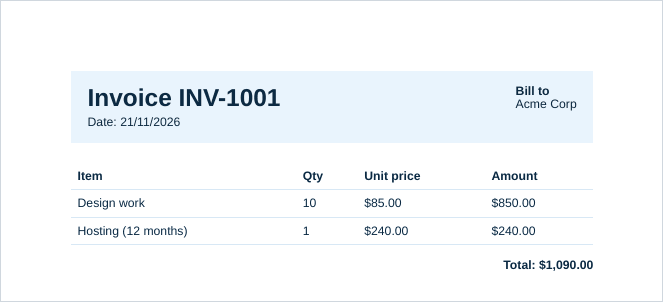
What came back from the three APIs we could run without an account:
- Gotenberg 9.9.1 (Chromium 156): the page came out US Letter until we added
preferCssPageSize=true, which made it A4. The page-number footer worked. - DocRaptor (Prince 15.1, test mode): A4 and the footer with no extra options. Test documents carry a watermark.
- PDFCrowd (demo credentials): A4, but the footer from the
@pagerule didn’t appear. Demo output carries PDFCrowd branding.
Page-number footers written in CSS used to be a Prince strength. Chrome has supported content in the page margins since Chrome 131, so recent Chromium-based APIs can do it too.
The Best HTML to PDF APIs in 2026
1. APITemplate.io
APITemplate.io renders HTML, CSS and JavaScript in Chromium. Besides raw HTML (POST /v2/create-pdf-from-html), it converts URLs and Markdown, and it can store your HTML as a reusable template, so each later call sends only JSON data.
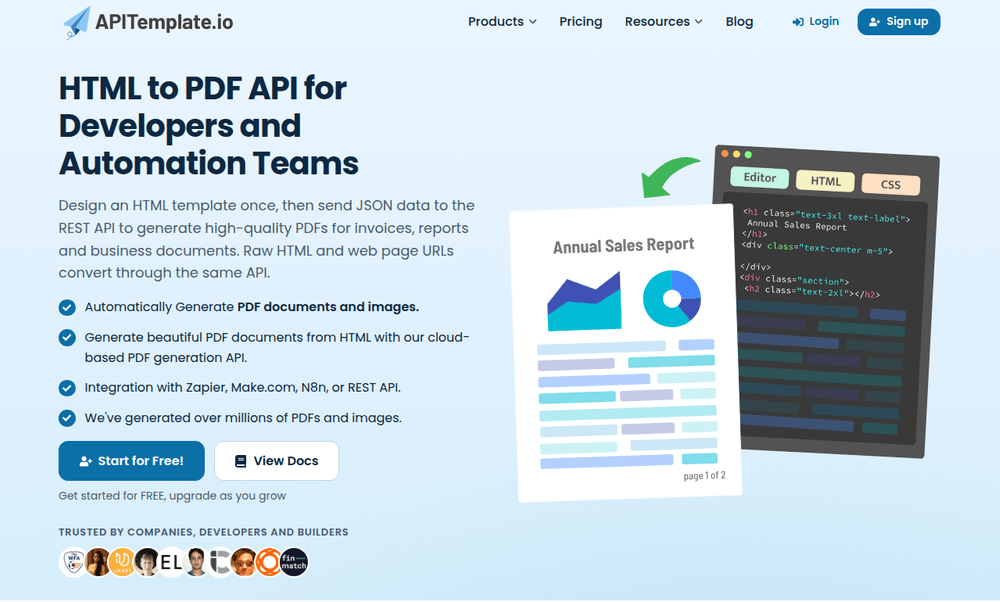
You build templates in the browser, in an HTML editor or a drag-and-drop editor, and the API fills them with the JSON you send.
- Response: JSON with a
download_urlfor the PDF. Addexport_type=fileto get the PDF file itself instead. - Regions: endpoints in Singapore (the default), Europe, the US and Australia.
- Free plan: 50 PDFs a month (shared with images) and 3 templates, no credit card.
- Pricing: PDF Basic is $24 a month ($19 billed yearly) for 3,000 PDFs. Async generation with webhooks starts on that plan.
- Best for: documents you generate again and again, such as invoices and reports, where a template keeps the layout out of your code.
2. PDFShift
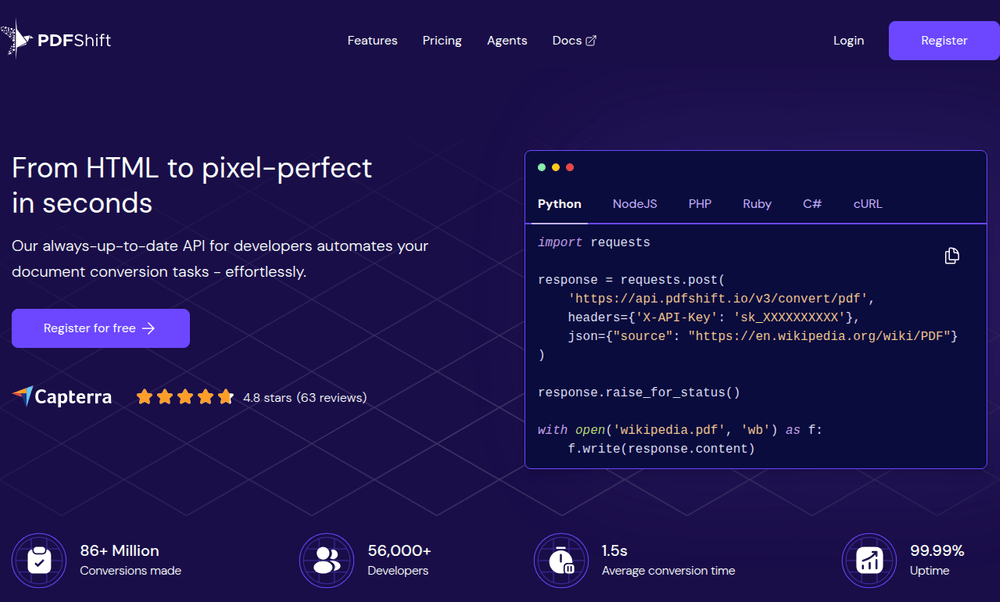
PDFShift is a Chromium-based conversion API. You send HTML or a URL in the source field to POST https://api.pdfshift.io/v3/convert/pdf, with your key in the X-API-Key header, and the PDF comes back in the response.
- Free plan: 50 credits a month, with a 15 MB file limit and a 30-second timeout.
- Pricing: from $9 a month for 500 credits; $24 a month for 2,500. One credit covers up to 5 MB of output, so a 14 MB PDF uses 3.
- Testing: the
sandboxparameter makes watermarked PDFs that don’t use credits. - Vendor claims: its homepage advertises a 1.5-second average conversion time and 99.99% uptime. We didn’t measure either.
- Best for: straightforward HTML or URL conversion at low and middle volumes.
If you are weighing PDFShift against templates, see PDFShift vs APITemplate.io.
3. PDFCrowd
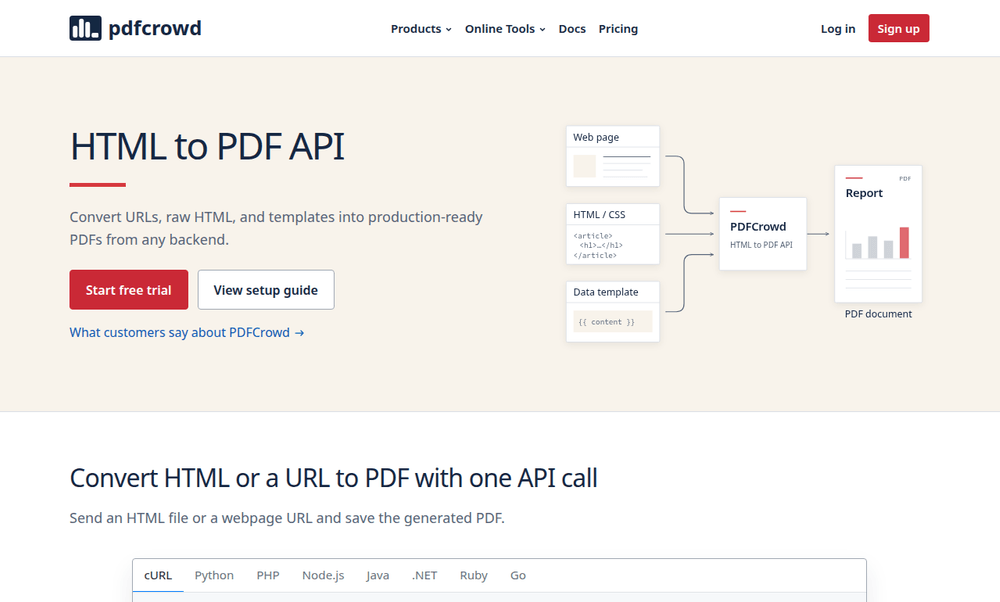
PDFCrowd’s docs say it renders with “a browser engine”, including CSS and JavaScript. The PDF it returned in our test names Skia, Chrome’s graphics library, as its producer. Its HTTP API takes form fields (text for HTML, url for a page) with basic authentication, at a versioned endpoint such as /convert/24.04/.
- Free tier: no free plan, but 100 test credits valid for one month, and
demo:democredentials for trying it. - Templates: it can fill a Jinja template with JSON, XML, CSV or YAML data that you upload with the HTML on each request, as its template guide shows.
- Pricing: from $11 a month for 200 credits; $23 a month for 1,000. One credit covers 0.5 MB of output.
- Over your quota: it doesn’t charge overage, but asks you to move up a plan if you regularly go over.
- Best for: teams that want official client libraries in many languages, and online tools for non-developers on the same plan.
4. DocRaptor
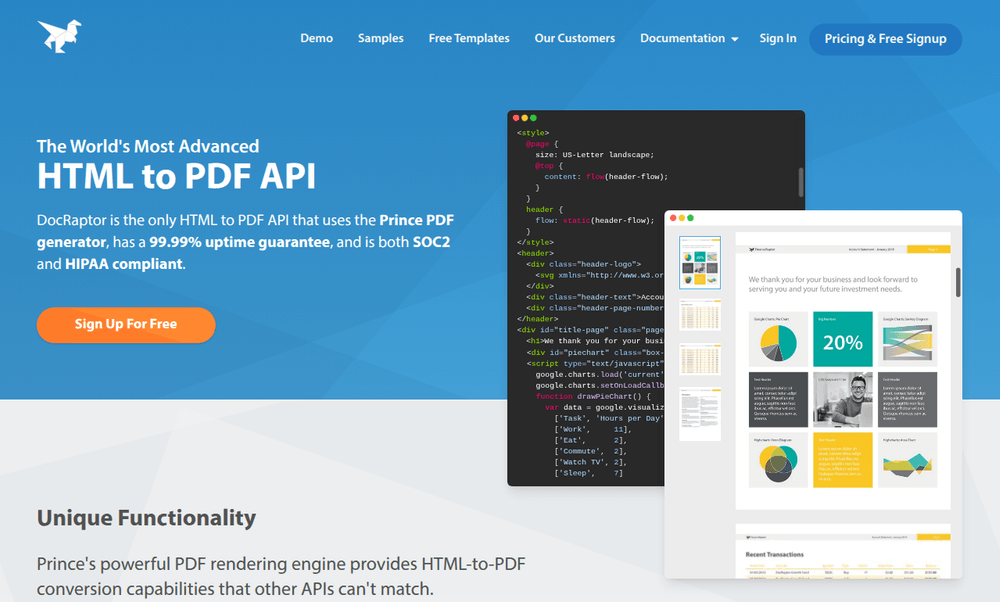
DocRaptor is the only API here built on Prince, a print-focused HTML to PDF engine. Prince has long led on paged-media CSS: running headers, page counters and footnotes, plus accessible PDF/UA output. JavaScript is optional and runs only when you set "javascript": true.
- Free plan: 5 documents a month, plus unlimited test documents with a watermark.
- Pricing: $15 a month for 125 documents, $75 for 1,250 and $149 for 5,000.
- Compliance: SOC 2 Type II, with HIPAA on all paid plans. It renders in the US and advertises a 99.99% uptime guarantee.
- Best for: print-quality documents, such as books, reports and accessible PDFs, where print CSS matters more than JavaScript.
5. api2pdf
api2pdf gives you a choice of engines: headless Chrome or wkhtmltopdf for HTML and URLs, and LibreOffice for Office files. It bills for what you use: $1 a month, plus bandwidth and compute time.
- Request:
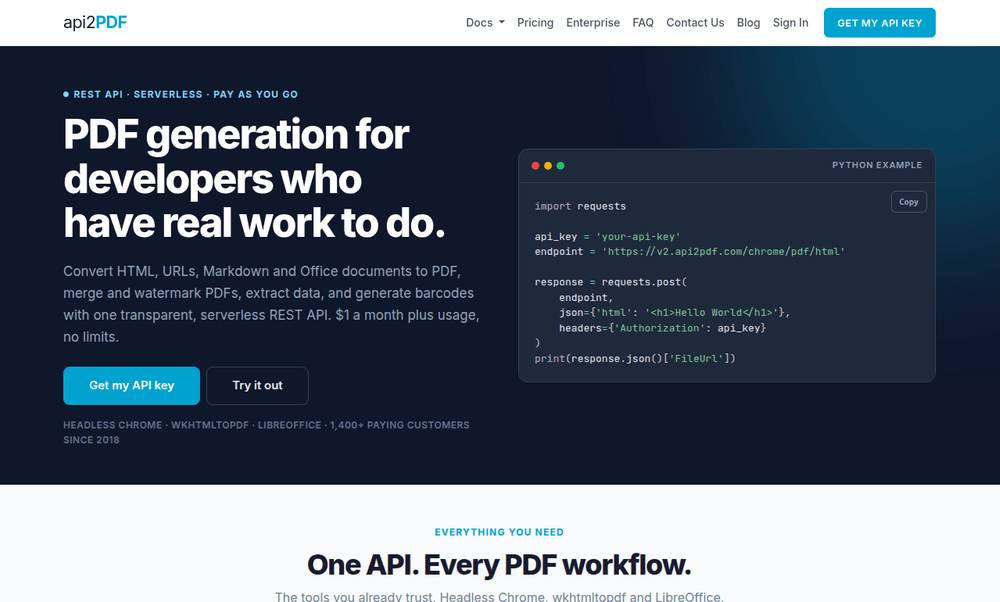
POST https://v2.api2pdf.com/chrome/pdf/htmlwith your key in theAuthorizationheader, as in the example on its homepage. - Response: JSON with a
FileUrlthat stays valid for 24 hours, or the PDF file withoutputBinary=true. - Free tier: one month of free credit when you sign up.
- Limits: no official SLA, and it doesn’t sign HIPAA business associate agreements. It runs on Google Cloud Run in
us-central1. - Best for: high volumes of small, quick documents, if you can work without an SLA.
6. Browserless
Browserless is hosted headless Chrome. Its /pdf endpoint takes html or a url, runs Puppeteer’s PDF printing, and returns the file. The same account also runs scraping and screenshot jobs.
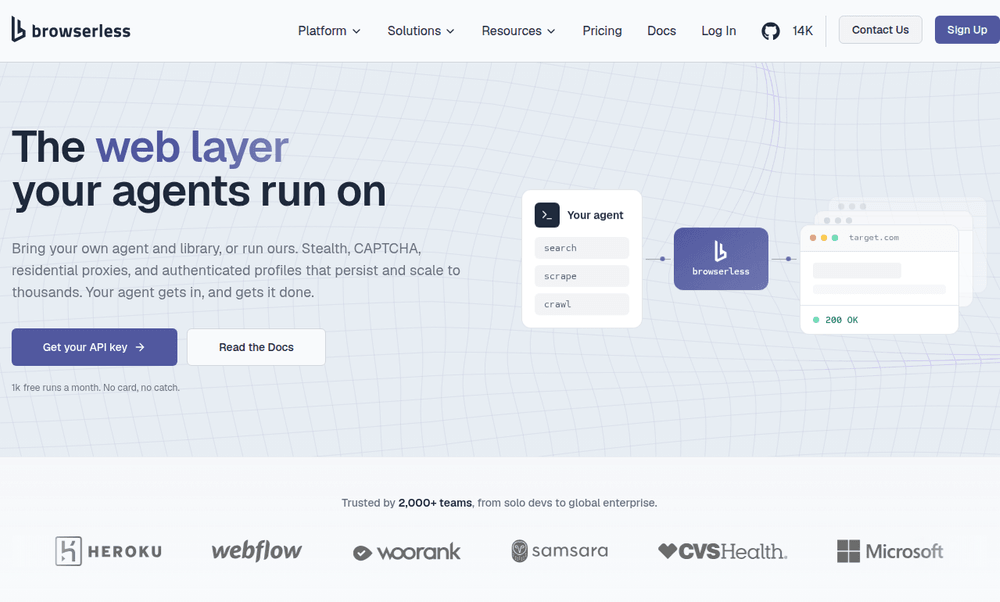
Its homepage now pitches Browserless as a browser for AI agents, with stealth mode, CAPTCHA handling and residential proxies. PDF generation is one REST endpoint among many, so check the PDF docs rather than the homepage when you compare it.
- Pricing: billed in units of browser time. The free plan has 1,000 units a month; Prototyping is $35 a month for 20,000.
- Compliance: SOC 2 Type II and GDPR.
- Self-hosting: the open-source Docker image is free under SSPL-1.0, which requires a commercial license for closed-source products.
- Best for: teams that already automate browsers and want PDFs from the same service.
7. Gotenberg (Self-Hosted)
Gotenberg is an open-source, MIT-licensed API that you run yourself in Docker. It prints HTML, URLs and Markdown with Chromium, and converts Office files with LibreOffice. The latest release, 9.9.1, shipped on 20 November 2026.
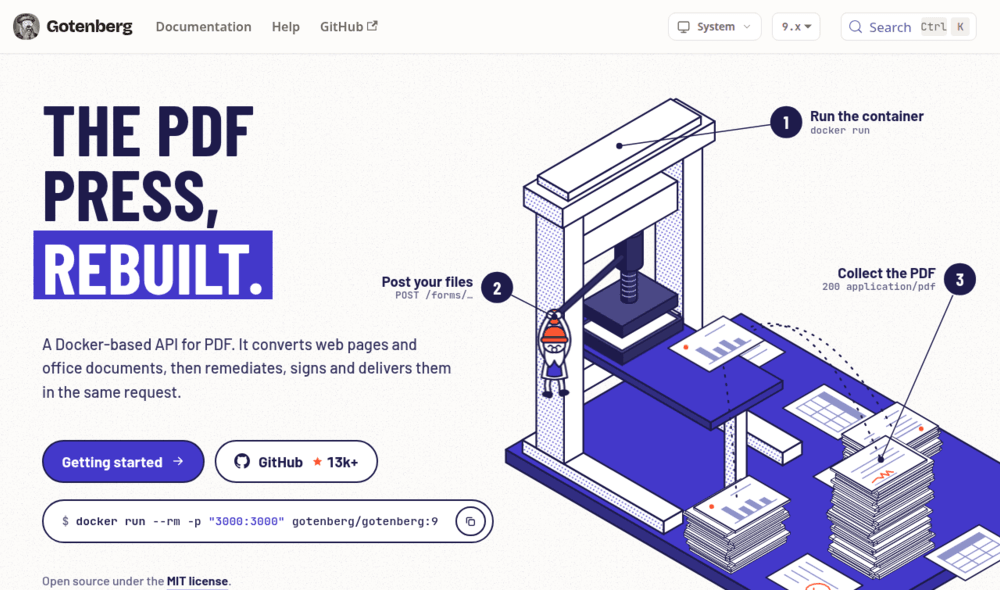
One docker run command starts it on port 3000, and its homepage says it can also sign the PDFs it makes, in the same request.
- Cost: nothing for the software; you pay for the server it runs on.
- Options:
paperSize, margins,preferCssPageSize,header.htmlandfooter.htmlfiles, and waits such aswaitForSelector. - The catch: scaling, queuing, monitoring and updates are your job.
- Best for: teams that need documents to stay on their own infrastructure.
Try Three of Them Without an Account
Save the invoice as index.html, then run any of these. Each one returned an A4 PDF in our test.
Gotenberg, running locally in Docker. The HTML file must be named index.html:
docker run --rm -p 3000:3000 gotenberg/gotenberg:9

curl --form files=@index.html \
  --form preferCssPageSize=true \
  -o invoice.pdf \
http://localhost:3000/forms/chromium/convert/htmlTip: Without
preferCssPageSize=true, Gotenberg prints on US Letter and ignores your CSS page size.
DocRaptor, with the public test key from its documentation. The JSON body is built with jq:
jq -n --rawfile html index.html '{test: true, document_content: $html, type: "pdf"}' \
  | curl https://YOUR_API_KEY_HERE@api.docraptor.com/docs \
--header "Content-Type: application/json" --data @- -o invoice.pdfPDFCrowd, with the demo credentials from its HTTP API docs:
curl -u 'demo:demo' -F 'text=<-' -o invoice.pdf https://api.pdfcrowd.com/convert/24.04/ < index.htmlHow to Choose an HTML to PDF API
- Your pages use JavaScript or modern CSS: pick a Chromium-based API (APITemplate.io, PDFShift, Browserless or Gotenberg). They render the way Chrome does.
- Print layout comes first: DocRaptor’s Prince engine is built for paged media. Since Chrome 131, Chromium handles page-number footers too, so test your own layout on both.
- You generate the same document again and again: a template API saves you building HTML in your code. See our comparison of template-based PDF generation APIs.
- Cost at high volume: compare what counts as a credit. PDFShift counts per 5 MB, PDFCrowd per 0.5 MB, and api2pdf and Browserless bill for time, not documents.
- Data must stay with you: self-host Gotenberg, or a vendor’s container.
If you’re still deciding between a library, your own headless browser and an API, our guide to HTML to PDF conversion methods compares the three approaches.
What to Test Before You Choose
Every service here has a free plan, test credits or a sandbox, so run your hardest document through two or three of them before you commit. Check these five things in the PDFs you get back:
- Page size: put your paper size in an
@pagerule and check that the PDF uses it. Gotenberg ignored ours until we setpreferCssPageSize=true. - Headers and footers: page numbers from
@pagemargin boxes worked in Gotenberg and DocRaptor, but not in PDFCrowd’s output. Gotenberg also takes them as separateheader.htmlandfooter.htmlfiles. - File size: PDFShift counts a credit per 5 MB of output and PDFCrowd per 0.5 MB, so a report full of images can use several credits.
- Slow pages: PDFShift’s free plan stops at 30 seconds, and a Browserless unit covers 30 seconds of browser time. Time your slowest page, with its charts and web fonts loaded.
- Where it runs: if your documents hold personal data, check the region. DocRaptor renders in the US and api2pdf in
us-central1; APITemplate.io lets you choose Singapore, Europe, the US or Australia.
Generate the Invoice With APITemplate.io
With APITemplate.io you can send the invoice as a Jinja2 template plus the data to fill it, so the layout stays in one place and your code only changes the data. This Python example sends both to POST /v2/create-pdf-from-html:
import requests

# The invoice as a template: Jinja2 placeholders, filled from "data" below
html = """
<style>
  body { font-family: Helvetica, Arial, sans-serif; color: #0b2942; }
  .header { display: flex; justify-content: space-between; background: #e9f4fd; padding: 16px 20px; }
  table { width: 100%; border-collapse: collapse; margin-top: 24px; }
  th, td { padding: 8px; border-bottom: 1px solid #d7e8f5; text-align: left; }
</style>
<div class="header">
  <div><h1>Invoice {{ invoice_no }}</h1>Date: {{ date }}</div>
  <div><strong>Bill to</strong><br>{{ customer_name }}</div>
</div>
<table>
  <tr><th>Item</th><th>Qty</th><th>Amount</th></tr>
  {% for item in items %}
  <tr><td>{{ item.name }}</td><td>{{ item.qty }}</td><td>{{ "$%.2f" | format(item.qty * item.price) }}</td></tr>
  {% endfor %}
</table>
<p><strong>Total: {{ total }}</strong></p>
"""

response = requests.post(
    "https://rest.apitemplate.io/v2/create-pdf-from-html",
    headers={"X-API-KEY": "YOUR_API_KEY"},
    json={
        "body": html,
        "data": {
            "invoice_no": "INV-1001",
            "date": "21/11/2026",
            "customer_name": "Acme Corp",
            "items": [
                {"name": "Design work", "qty": 10, "price": 85},
                {"name": "Hosting (12 months)", "qty": 1, "price": 240},
            ],
            "total": "$1,090.00",
        },
        "settings": {"paper_size": "A4", "print_background": "1"},
    },
)
response.raise_for_status()
print(response.json()["download_url"])We ran it against a mock of the endpoint, with requests 2.32 on Python 3.14, and rendered the template with Jinja2 3.1 to check the totals. Our docs compare the four ways to generate a PDF, from templates to URLs, and the template language. To try a conversion without writing code, use the free HTML to PDF converter.
FAQ
What is the best API for converting HTML to PDF?
It depends on your documents. For pages that rely on JavaScript or modern CSS, a Chromium-based API such as APITemplate.io, PDFShift or Gotenberg renders them as Chrome does. For print-heavy layouts, DocRaptor’s Prince engine is the specialist.
Is there a free HTML to PDF API?
Gotenberg is free and open source, but you host it. Among hosted APIs, APITemplate.io includes 50 PDFs a month, PDFShift 50 credits, Browserless 1,000 units and DocRaptor 5 documents, each on a free plan.
How much does an HTML to PDF API cost per 1,000 PDFs?
On monthly billing in November 2026, document-based plans that cover 1,000 PDFs a month cost $23 (PDFCrowd), $24 (APITemplate.io and PDFShift) and $75 (DocRaptor). Usage-based api2pdf comes to about $1.49 for 1,000 small PDFs at its published rates.
Which HTML to PDF API is cheapest at 10,000 PDFs a month?
On monthly billing, PDFCrowd’s Large plan ($61) is the cheapest document plan that covers 10,000 PDFs, ahead of APITemplate.io ($89) and PDFShift ($99). Usage-based api2pdf comes to about $5.91 for small, quick PDFs, and Browserless’s $35 plan covers 20,000 units.
Can I self-host an HTML to PDF API?
Yes. Gotenberg runs in Docker under the MIT license. Browserless has an open-source image under SSPL-1.0, and api2pdf sells a container for your own cloud.
What’s the difference between Chromium and Prince for HTML to PDF?
Chromium renders pages exactly as Chrome does, including JavaScript frameworks and modern CSS. Prince is built for print: running headers, page counters and accessible PDFs, with JavaScript as an option.
Conclusion
For most developers, a Chromium-based API is the safe default, and the choice comes down to pricing model and free tier. Pick DocRaptor when print layout matters most, Gotenberg when documents must stay on your own servers, and a template API when you produce the same document thousands of times.
Sign up for a free account and generate up to 50 PDFs or images a month for free.
Other Blog Articles
C# Generate PDF: Create, Save and Export PDFs in .NET (5 Libraries Compared)
Five ways to generate a PDF in C#, tested on .NET 10: QuestPDF, PDFsharp and MigraDoc, iText, PuppeteerSharp and IronPDF. Code that creates the same invoice, saves it and returns it from ASP.NET Core.
How to Generate PDFs From JSON Data (Node.js, Python and API Examples)
Turn JSON data into PDF documents with code: fill an HTML template with Handlebars or Jinja2 and print it, build the PDF with pdfmake, turn any JSON file into tables, or send the JSON to an API.
wkhtmltopdf Is Archived: 7 Alternatives for HTML to PDF in 2026
wkhtmltopdf was archived in 2023 and renders with a WebKit from 2012. Here are 7 tested alternatives, each wkhtmltopdf option mapped to Chrome, and migration code for Node.js, Python and C#.