Convert HTML to PDF in PHP: 5 Best Libraries Compared in 2026
Compare 5 PHP PDF libraries: TCPDF, Dompdf, mPDF, Playwright, wkhtmltopdf. See pros/cons, features, code examples.

Compare 5 PHP PDF libraries: TCPDF, Dompdf, mPDF, Playwright, wkhtmltopdf. See pros/cons, features, code examples.
This article explores several popular methods to generate PDFs with JavaScript, focusing on three key approaches: using the html2pdf library, the jsPDF library, the pdfmake library, and the built-in window.print() method. We will discuss the pros and cons of each approach and provide working code snippets to help you generate your desired PDF document.
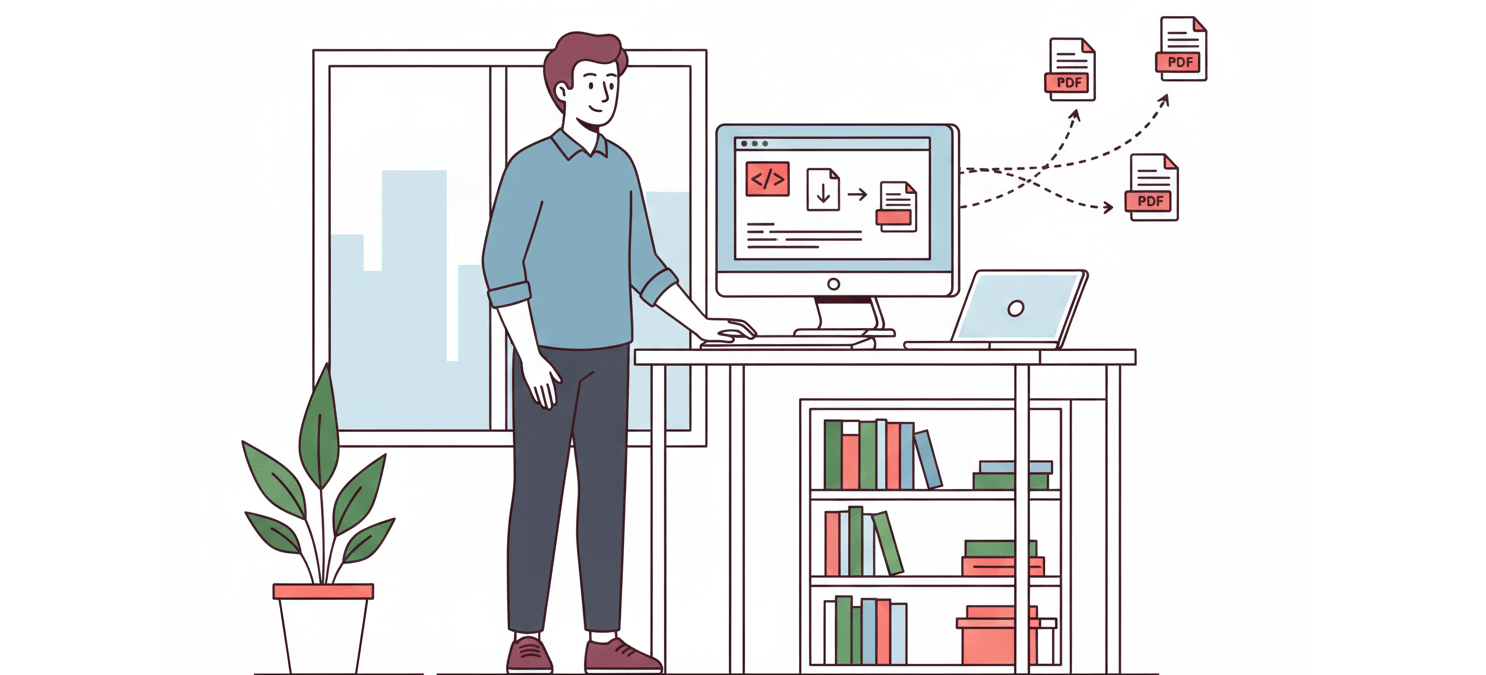
The most important part of generating PDFs is the input data. The most common and useful approach is to generate PDFs from HTML content or based on a website URL. In this article, we will look into some approaches that we can take to generate PDFs from HTML
Most real-world applications encounter the requirement of generating PDFs based on some content. This includes generating PDFs from custom HTML content or even generating PDFs directly from a website URL. In this article, we will look into some approaches that we can take to generate PDFs from HTML using Node.js.
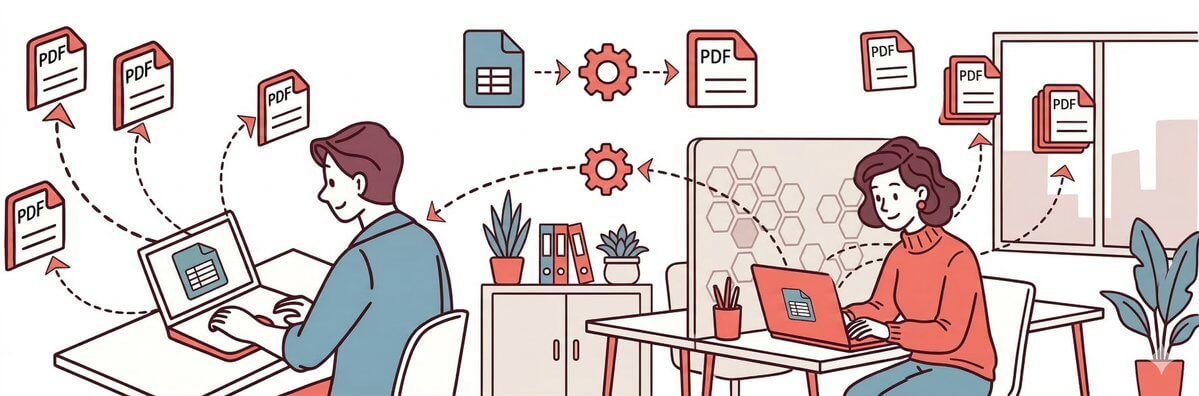
Use a PDF generation API to automate reports from Google Sheets with Make.com. Step-by-step guide with templates and no-code setup.
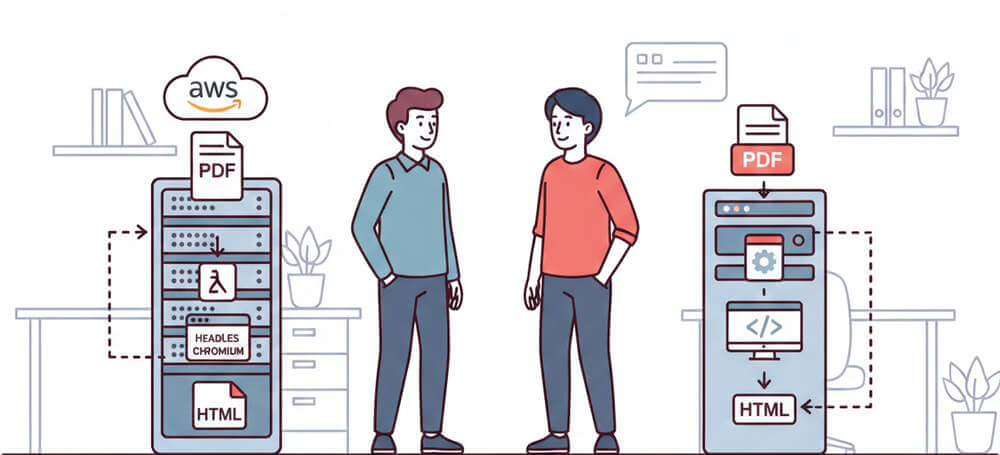
Generate PDFs serverlessly with AWS Lambda using Headless Chromium or PDF APIs. Step-by-step guide with code for HTML to PDF conversion.
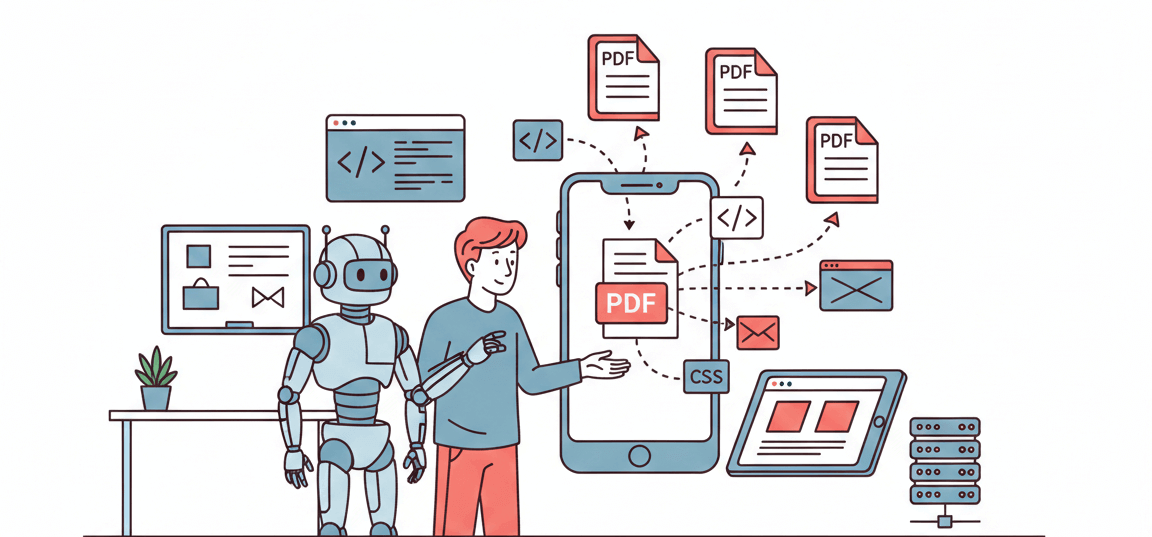
This guide shows how to generate PDFs in React Native by converting HTML/CSS content into a PDF file directly on the device (no server required). You'll also see an Expo-friendly alternative and when a server-side renderer makes more sense.
Converting HTML files into PDF format on Linux may sound straightforward - and in many cases, it is. But doing it efficiently, reliably, and at scale requires knowing the right commands and tools. In this article, we'll cover the best HTML-to-PDF workflows on Linux, from native CLI tools to modern API-based services.
In this tutorial, we are going to automate the process of image generation with Zapier, Google sheets and APITemplate.io to create custom product images based on a predefined template and a product listing.
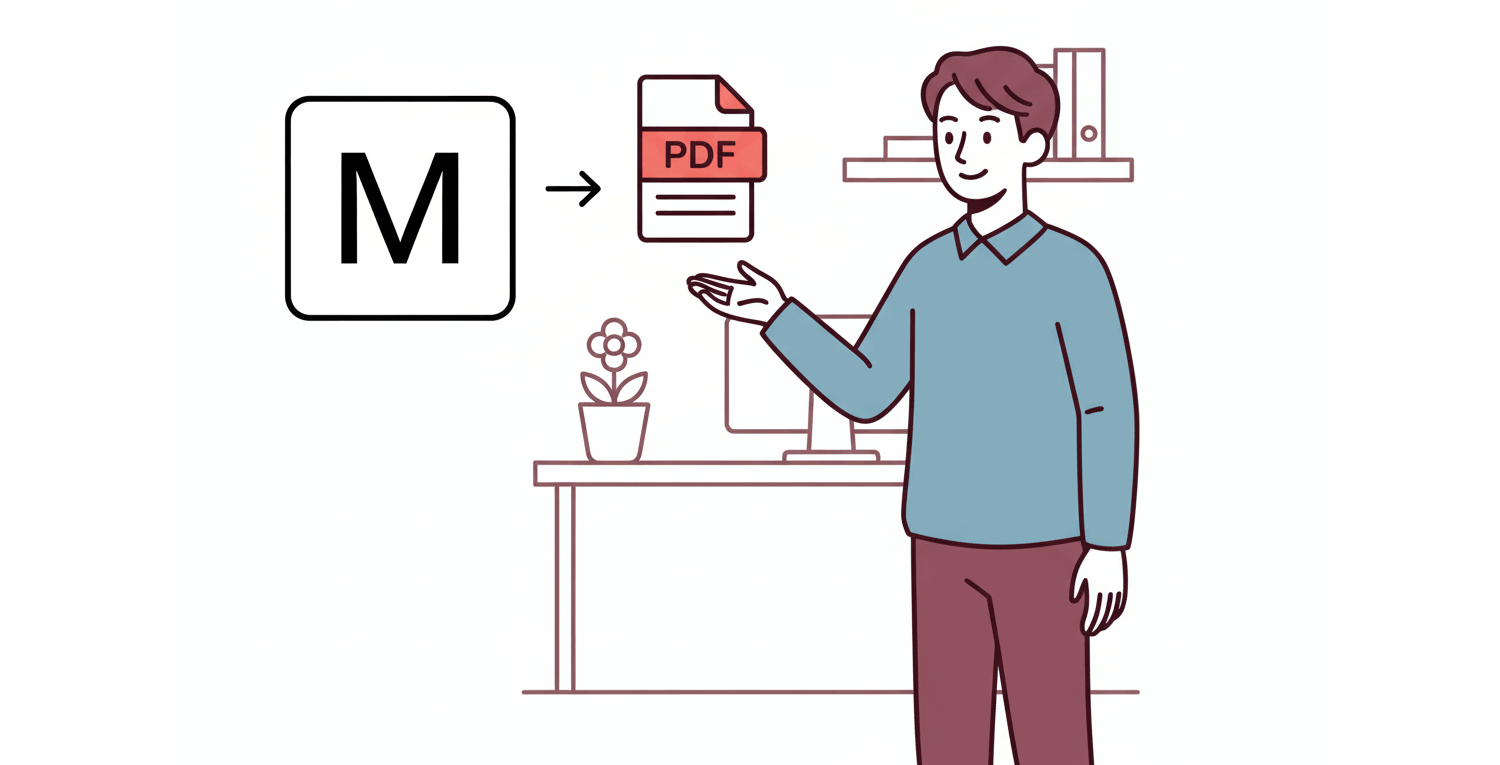
Convert Markdown to PDF with a single REST API call. Step-by-step guide covering raw Markdown, Jinja2 templates, custom CSS, and no-code integrations.
Privacy Overview
Necessary cookies are always on. The others are only set if you allow them, and you can change your mind at any time from “Manage consent” at the bottom of every page. Our Privacy policy has the details.
Needed for the site to work and to remember the choice you make here. They are always on and cannot be switched off.
Google Analytics and Microsoft Clarity show us how visitors use the site: which pages are read, where visitors come from, and, in Clarity, recordings of clicks and scrolling. Clarity does not load until you allow this.
Lets Google Analytics share visits with Google Ads, so we can see which ads lead to a sign-up and show you relevant ads on other sites.